My toolkit worked, and it was slow. Not broken slow, just heavy enough that every run broke my flow, and most of the heaviness lived in one place, the hot loop where video data got processed. That is what sent me to Rust, a language whose whole promise is speed. I want to be honest in this post about what I actually did, what I learned, and how far I truly took it.
The first lesson was diagnostic, and it applies to any slow program: find out where the time actually goes before changing anything. Python ships a profiler, and one command tells you which functions eat the runtime:
python -m cProfile -s cumtime my_tool.py
The output ranks every function by time consumed, and it taught me the classic truth: the slowness was not spread evenly, it was concentrated in a small hot section, while the interface and the orchestration code cost almost nothing. That reframes the whole problem. You do not need a faster program, you need a faster five percent.
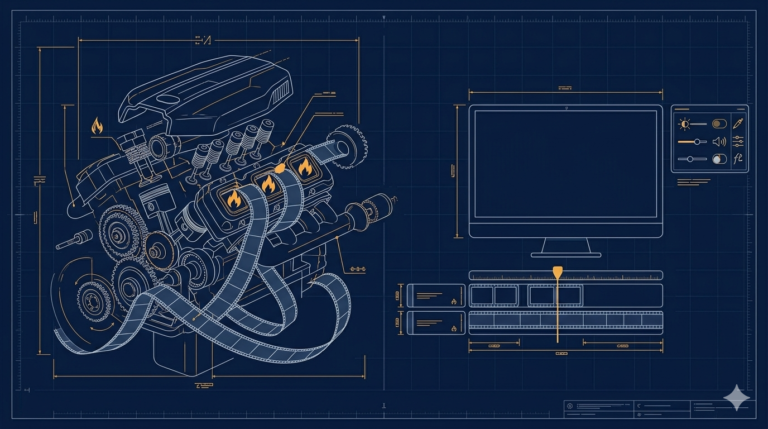
That is exactly the case Rust is built for, and the sensible architecture is not a rewrite. You keep the Python application, the Tkinter window, the settings, the FFmpeg orchestration, and move only the hot loop into a small compiled Rust module that Python calls like any other import. The standard bridge for this is PyO3 with the maturin build tool, where a Rust function marked for Python becomes importable:
use pyo3::prelude::*;

#[pyfunction]
fn process_frames(data: Vec<u8>) -> PyResult<Vec<u8>> {
    // the hot loop, compiled, no interpreter in the way
    Ok(data)
}

#[pymodule]
fn fastcore(_py: Python, m: &PyModule) -> PyResult<()> {
    m.add_function(wrap_pyfunction!(process_frames, m)?)?;
    Ok(())
}
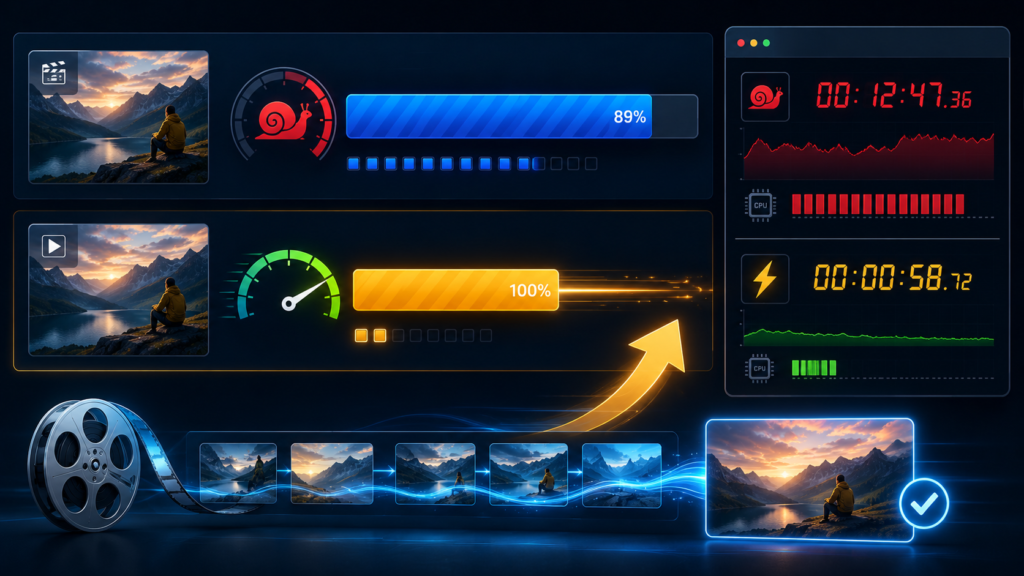
And the honest part: I explored this road, learned the model, and did not ship a Rust core. Two findings stopped me, and both were worth more than the speed. First, Rust’s learning curve is real, the borrow checker makes you re-earn habits Python gave you for free, and my project budget of evenings did not stretch to mastering it while also building everything else. Second, and more important, profiling had already shown that my heaviest work was inside FFmpeg, which is compiled C, already as fast as it gets. My Python was mostly waiting for FFmpeg, and rewriting waiting in Rust makes it no faster. The genuinely slow Python parts I fixed with cheaper tricks, fewer temporary files, smarter FFmpeg arguments, and not re-processing what had not changed.
A few things people ask me about this
How do I find what makes my Python program slow? Run it under the built-in profiler, python -m cProfile -s cumtime script.py, and read the top of the list. Fix only what is provably hot.
Should I rewrite my Python app in Rust for speed? Almost never the whole app. The proven pattern is a small Rust module for the hot loop via PyO3, with Python keeping the interface and glue. And if profiling shows the time is inside a C library like FFmpeg, Rust will not help.
Was learning Rust wasted then? No. It taught me to think about where time and memory actually go, which improved my Python. But I say plainly that this tool never shipped a Rust core.
Next
The other frontier was reach. A desktop tool must be installed, with Python and FFmpeg set up, and that stops most people before they start. The idea of the whole tool running inside a web browser, with nothing to install, is the next post.