Once my tool could find scenes quickly, I added what felt like a tiny feature. Instead of always cutting from the middle of a scene, let the user choose: the start, the middle, or the end. One dropdown. How hard could it be? Harder than I thought, and it taught me something about how small choices multiply.
The naive version was easy. Take the scene, take the clip length, and cut from the chosen position:
position = self.clip_position.get()   # "start", "middle", or "end"
length   = self.clip_duration.get()   # seconds

if position == "start":
    clip_start = scene["start"]
elif position == "end":
    clip_start = scene["end"] - length
else:  # middle
    clip_start = scene["start"] + (scene["duration"] - length) / 2
That looks fine, and it worked, until a scene was shorter than the clip length I was asking for. If a scene was three seconds long and I asked for a five second clip from the end, clip_start landed before the scene even began, and FFmpeg either errored or produced a broken clip. The bug only showed up on short scenes, which is exactly the kind of case you do not test until a real movie hands you one.
The fix was to stop trusting my own numbers and clamp them to the scene’s real bounds:
# if the scene is shorter than the requested clip, use the scene length
if scene["duration"] < length:
    length = scene["duration"]

# never start before the scene, never run past its end
clip_start = max(scene["start"], clip_start)
clip_start = min(scene["end"] - length, clip_start)
That clamping, max to keep the start inside the scene and min to keep the clip from running off the end, is the small, boring code that turns a feature that mostly works into one that always works. It is not clever. It is just honest about the fact that real input will break your happy path.
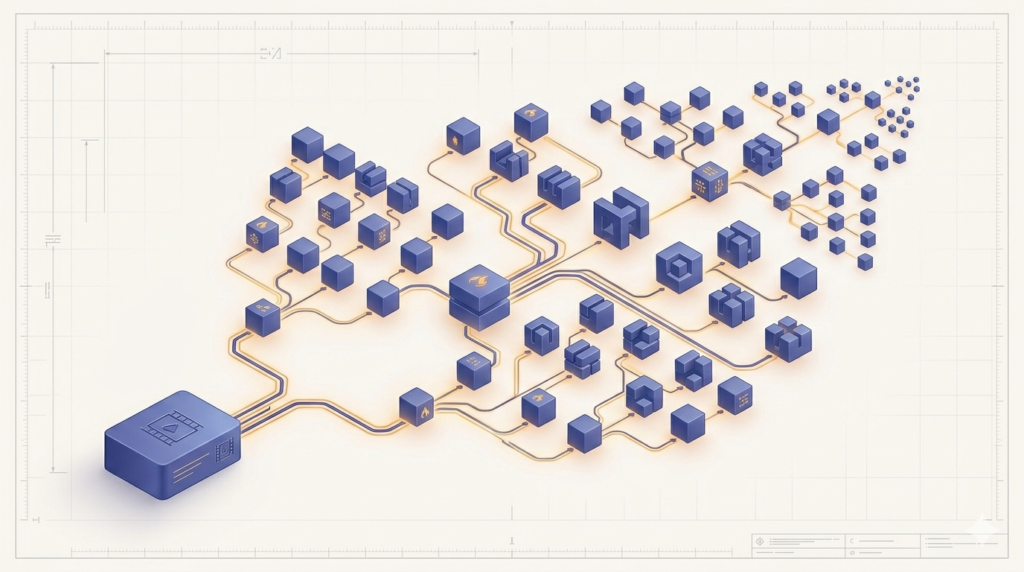
The deeper lesson was about combinations. One position option was three cases. But position combined with variable clip length, combined with scenes of every possible duration, meant the real number of situations my code had to survive was large, and most of them I would never see until a real video produced them. The feature was small. The space of cases it opened was not.
A few things people ask me about this
Why did the clip break only on some scenes? Because those scenes were shorter than the clip length being requested, so the calculated start fell outside the scene. Short scenes are the edge case, and they are common in real footage.
How do you stop a value going out of range? Clamp it. max(low, value) stops it going below the floor, min(high, value) stops it going above the ceiling. Two lines removed a whole family of broken clips.
Next
Not long after this, I hit the strangest bug of the whole project. The tool ran with no error at all, and still did the wrong thing. That is the next post.