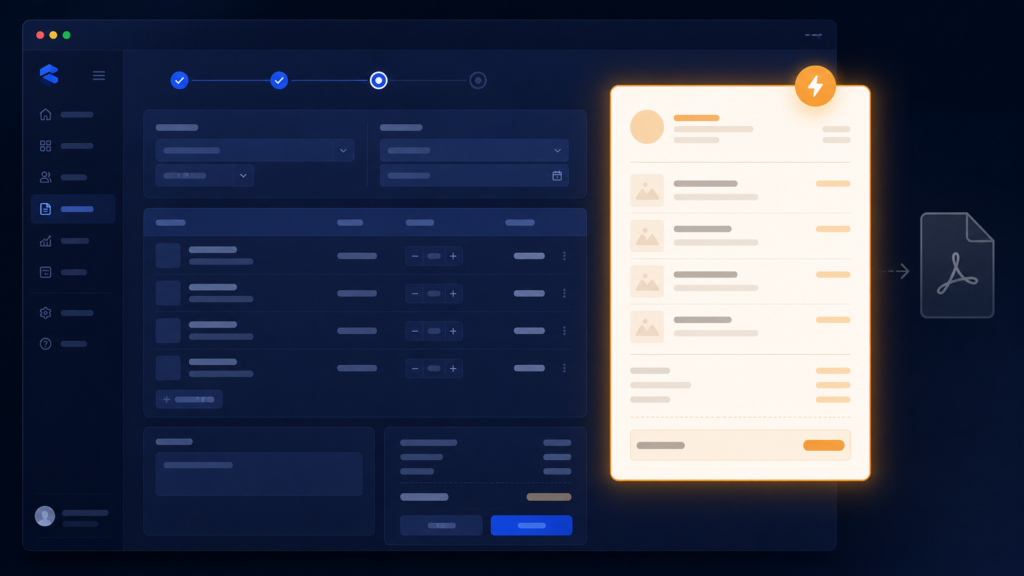
I built PDF receipts because they sounded professional. A proper document, saved to disk, printable, permanent. I even pulled in a real library to generate them, reportlab, and wrote the layout code, pages, tables, styles. Then I watched the feature meet the reality of a counter, and this post is about why I deleted all of it for something that felt less impressive and worked far better.
The PDF path looked like this at the top of my file:
from reportlab.pdfgen import canvas
from reportlab.lib.pagesizes import A4
And at the counter it meant: finish the sale, generate a file, save it somewhere, open it in a PDF viewer to see it. Every sale produced a file nobody would ever open again, cluttering a folder, and the moment of truth, the shopkeeper glancing at the receipt to confirm the sale before handing it over, required leaving the software. Worse, reportlab was my only third-party dependency, the one thing that made installing the software on the shop computer more than copy and run. All that cost, for a document whose real job was to be looked at for five seconds.
So I removed the PDF option and replaced it with a preview receipt, a window the software draws itself, instantly, using nothing but Tkinter that was already there:
def preview_receipt(self):
    win = tk.Toplevel(self.root)
    win.title(f"Receipt {self.invoice_number}")
    text = tk.Text(win, font=('Courier New', 10), width=42)
    text.pack(padx=10, pady=10)

    lines = [
        "        CLOTH STORE".center(40),
        f"Invoice: {self.invoice_number}",
        f"Date: {datetime.now().strftime('%d-%m-%Y %H:%M')}",
        "-" * 40,
    ]
    for item in self.invoice_items:
        lines.append(f"{item['name'][:22]:<22} x{item['qty']:>2} "
                     f"PKR {item['total']:>8.2f}")
    lines += ["-" * 40, f"{'TOTAL':<26} PKR {self.total:>8.2f}"]

    text.insert("1.0", "n".join(lines))
    text.config(state="disabled")
Small things doing the work here: Toplevel is Tkinter’s extra window, appearing over the app instantly. The font is Courier New because receipts need a monospaced font, every character the same width, so the columns of names, quantities, and prices line up like a real till slip. The format specs, :<22 pads names to a fixed width, :>8.2f right-aligns money to two decimals, are what make plain text look like a printed receipt. And setting the widget to disabled makes it read-only, a receipt is not editable.
Removing reportlab also returned the project to zero third-party dependencies. Install became: have Python, run the file. For software meant for a non-technical shop owner, every removed installation step is a support call that never happens.
A few things people ask me about this
How do I open a second window in Tkinter? tk.Toplevel(root). It creates an independent window over your app, perfect for previews and dialogs, and closes without touching the main window.
Why does my text receipt look misaligned? Proportional font. Use a monospaced font like Courier New and fixed-width format specs, f"{name:<22}{price:>8.2f}", so columns align character for character.
Next
The software now worked well, and still managed to look unfinished, because every launch dragged a black console window along behind it. The one-character fix for that is the next post.