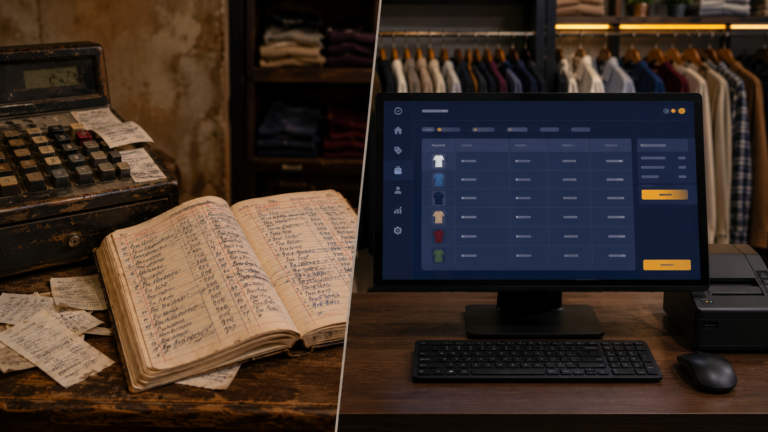
There is a small decision in software that most people never notice, but it shapes the whole experience. What is the first thing a person sees when they open the program? Get it wrong, and even good software feels annoying. Get it right, and the tool feels like it understands the person using it. For the shop software, I had a clear answer, and a specific way to build it.
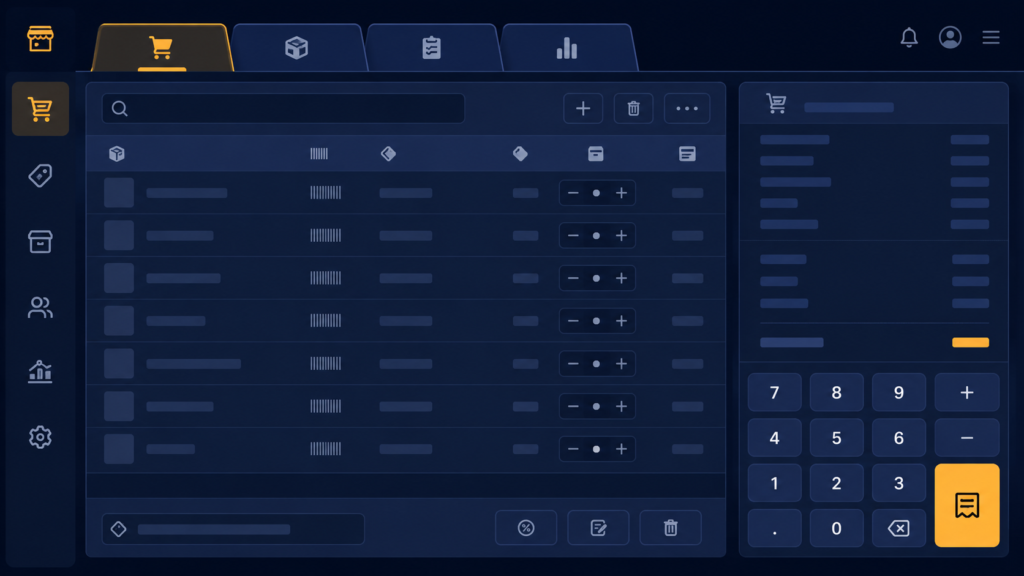
The app has several screens, billing, product management, sales reports. In Tkinter, the clean way to hold several screens in one window is ttk.Notebook, which gives you tabs like a browser. Each tab is just a frame you add:
def create_widgets(self):
    notebook = ttk.Notebook(self.root)
    notebook.pack(fill='both', expand=True, padx=20, pady=20)

    # Create Invoice is deliberately the FIRST tab
    self.invoice_frame = ttk.Frame(notebook)
    notebook.add(self.invoice_frame, text="Create Invoice")
    self.create_invoice_tab()

    self.product_frame = ttk.Frame(notebook)
    notebook.add(self.product_frame, text="Product Management")
    self.create_product_tab()

    self.report_frame = ttk.Frame(notebook)
    notebook.add(self.report_frame, text="Sales Report")
    self.create_report_tab()
The order of those notebook.add calls is the whole feature. A notebook opens on its first tab, so whichever screen you add first is what greets the user every time. My first version had product management first, because that is the order I built things in, you add products before you can sell them. But that is developer logic. In the shop’s real day, adding products happens occasionally, billing happens constantly. A customer at the counter is the whole reason the software exists, so Create Invoice had to be tab one, ready the instant the program opens, no clicks between the shopkeeper and taking money.
The visual layer mattered more than I expected too. I styled the tabs bigger and bolder than Tkinter’s cramped defaults, because a shopkeeper glancing at a screen mid-conversation should find things instantly:
style = ttk.Style()
style.theme_use('clam')
style.configure('TNotebook.Tab', padding=[20, 10], font=('Arial', 11, 'bold'))
The clam theme unlocks styling that Tkinter’s default theme partly ignores, a quirk that costs people hours, if your tab styling silently does nothing, set the theme first. Padding of 20 by 10 makes each tab a comfortable click target instead of a sliver.
A few things people ask me about this
How do I set which tab opens first in Tkinter? The notebook opens on the first tab you add(). To change the default screen, change the order of your add calls, or call notebook.select(index) after building.
Why does my ttk styling not apply? Usually the theme. The default theme hard-codes many looks. Call style.theme_use('clam') before style.configure(...) and your settings will take effect.
Next
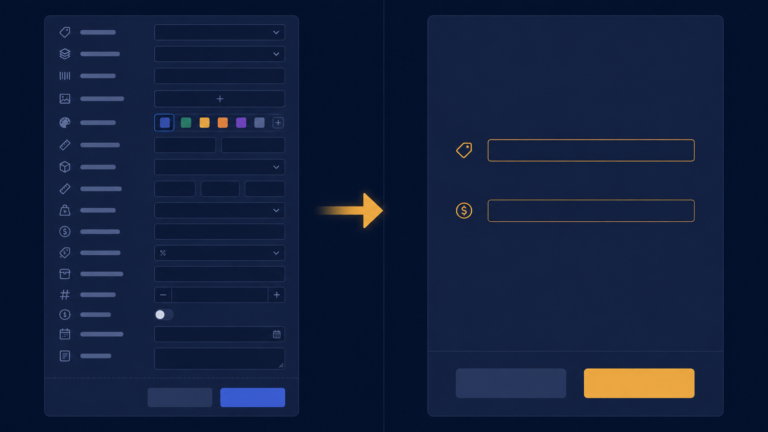
With billing front and centre, I turned to the product form, and promptly over-built it, category, color, size, everything a product could have. Cutting it down to what a clothing shop actually uses is the next post.