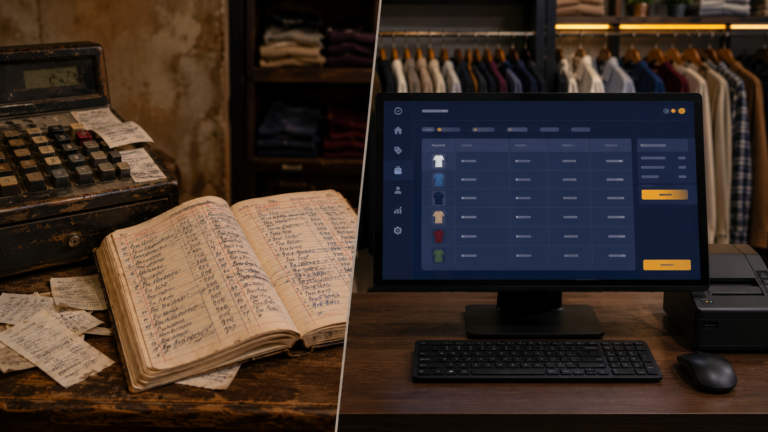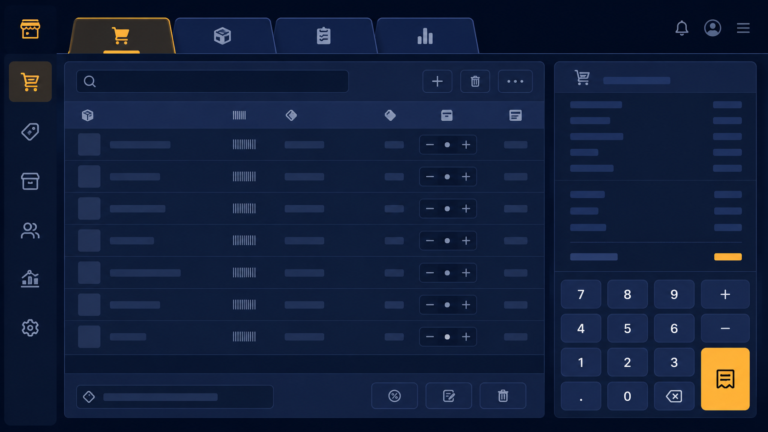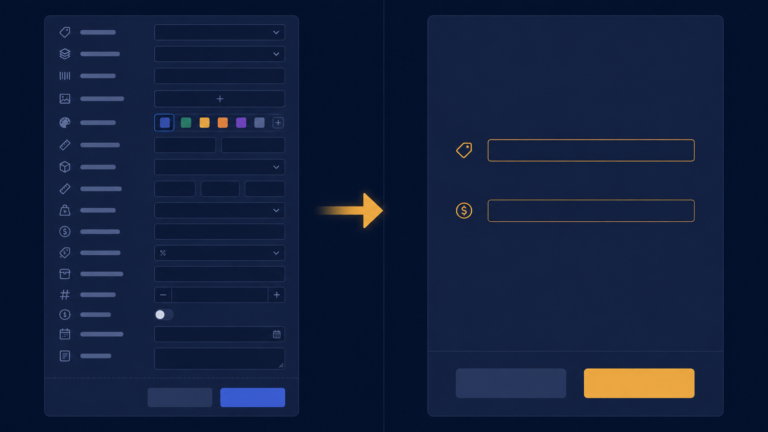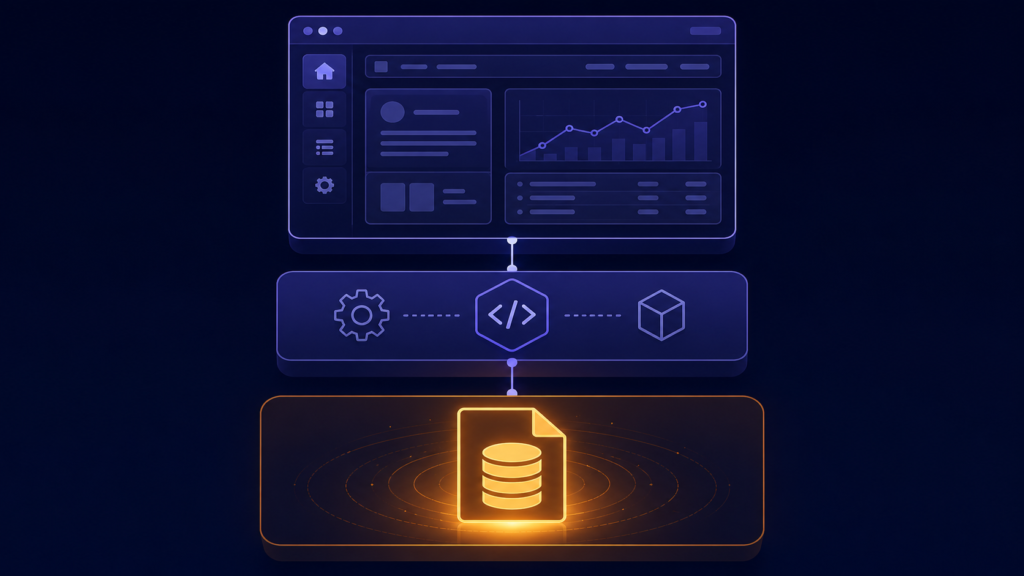
Once I knew what the software had to do, I had to decide how to build it. This is the part where a lot of people freeze, because there are endless choices and it feels like picking wrong will ruin everything. The truth is calmer than that. You pick tools that let you actually finish, and you start. This post is about the foundation I chose for the shop software, with the real tools named and why each one fit.
The language was Python, the window was Tkinter, and the database was SQLite. All three share one property that mattered more than any benchmark: they ship together. Tkinter comes with Python. SQLite comes with Python. So the entire foundation installs as one thing, and the app opens like this:
import tkinter as tk
from tkinter import ttk, messagebox
import sqlite3
from datetime import datetime

class ClothStoreManager:
    def __init__(self):
        self.root = tk.Tk()
        self.root.title("Cloth Store Management System")
        self.root.geometry("1200x800")

        self.init_database()
        self.invoice_items = []
        self.create_interface()
SQLite deserves the spotlight, because people underestimate what it is. It is not a toy, it is a full SQL database whose entire contents live in one ordinary file on disk. No server to install, no service to keep running, no username and password. Connecting to it, and creating it if it does not exist yet, is one line:
def init_database(self):
    self.conn = sqlite3.connect('cloth_store.db')
    self.cursor = self.conn.cursor()
That call either opens cloth_store.db or creates it on the spot. For a shop this is perfect in ways a big database server never could be. Backup is copying one file to a USB stick. Moving to a new computer is copying one file. There is nothing to administer, and it happily handles years of a shop’s products and sales, SQLite is comfortable into the gigabytes, and a busy shop’s decade is megabytes.
One real discipline SQLite demands: commit. Changes are not saved to the file until you call self.conn.commit(). Forget it after an insert and the sale you thought you recorded evaporates when the app closes. My rule became mechanical, every write is followed by a commit, because a billing system that silently loses sales is worse than paper.
A few things people ask me about this
Is SQLite enough for a real shop, or do I need MySQL? SQLite is more than enough. It is a real SQL database in one file, easily handling millions of rows. A single-counter shop will never approach its limits, and it removes the server, the setup, and the maintenance entirely.
Why did my inserted data disappear after closing the app? You did not commit. SQLite holds changes in a transaction until conn.commit() is called. No commit, no save.
Where is the database? Right next to the program, as cloth_store.db, unless you give a full path. That one file is the entire database, copy it and you have a complete backup.
Next
Foundation laid, the next decision looks small and is not: when the shopkeeper opens the program, what is the first thing they see? Getting that wrong makes good software feel annoying every single day. That is the next post.