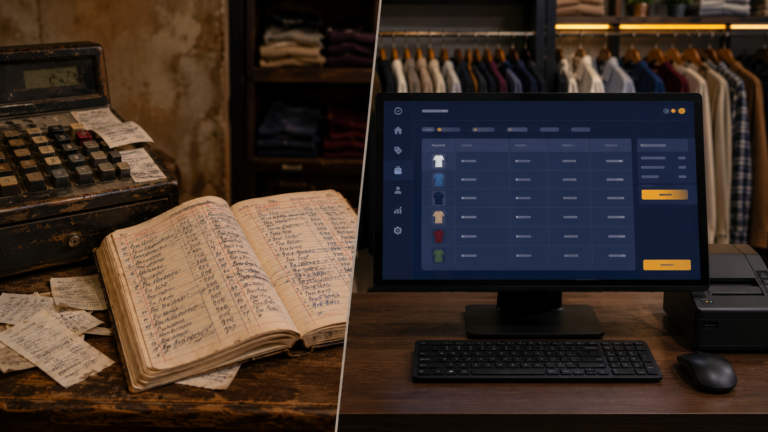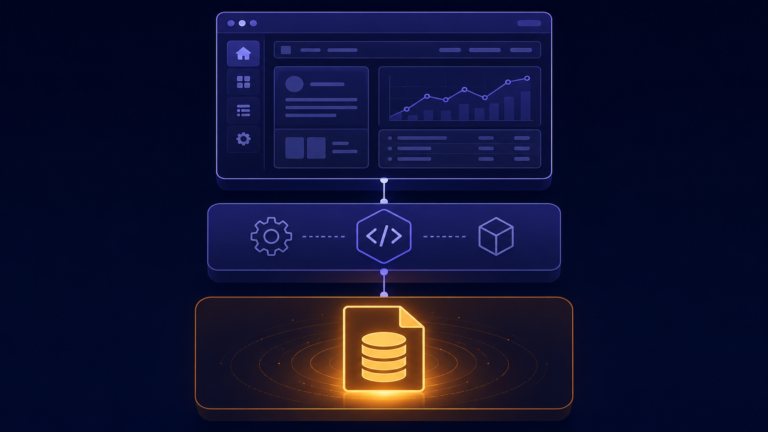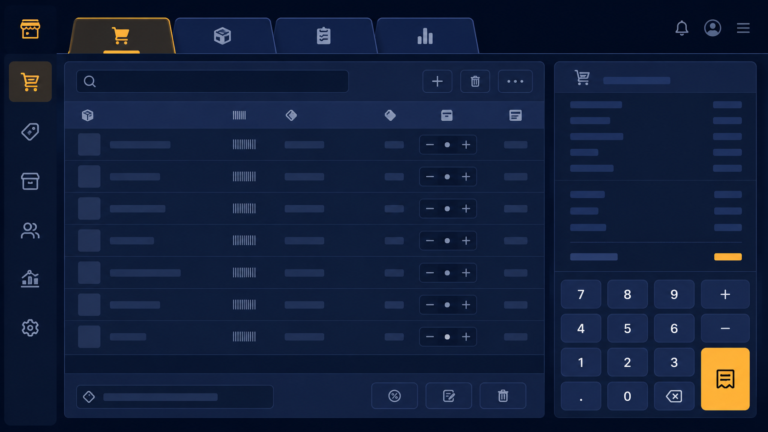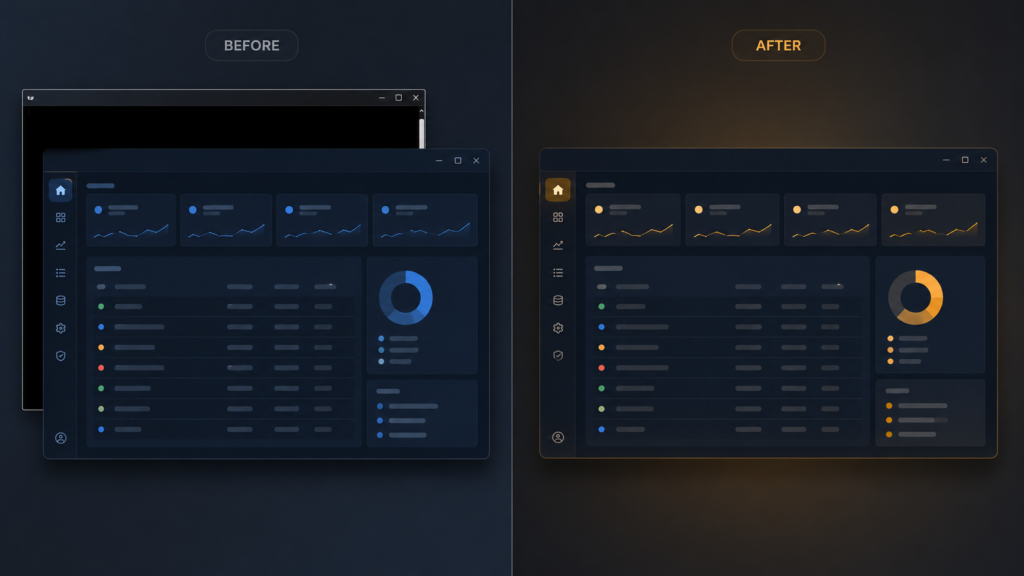
My shop software worked, but every time it launched, a black console window opened behind it and sat there for the whole session. Close that black window by accident and the entire application died with it. To me it was background noise. To anyone else it screamed unfinished, real programs do not carry a terminal around. This post is the tiny fix, and the understanding behind it.
On Windows, Python installs two interpreters, and the difference between them is exactly this window:
# python.exe   -> console interpreter: opens/keeps a terminal window
# pythonw.exe  -> windowed interpreter: no console at all
python.exe is the console version, it attaches a terminal because it expects to print output there. pythonw.exe, the w is for windowed, is the same Python with no console, built precisely for GUI programs like a Tkinter app that bring their own window. The fix has three equivalent forms, use whichever fits how the software is launched. Run it directly with the windowed interpreter:
pythonw cloth_store.py
Or, the neatest, rename the script’s extension from .py to .pyw, Windows associates .pyw with pythonw automatically, so double-clicking cloth_store.pyw opens just the app, no console, nothing to configure. Or make a desktop shortcut whose target is pythonw.exe "C:pathtocloth_store.py", which is what I set up on the shop machine, one icon, one double-click, one clean window.
One honest warning saved me pain: the console you hid was where error messages went. With pythonw, an uncaught crash is silent, the app just vanishes and a shopkeeper cannot tell you why. So hiding the console obligates you to catch errors and show them properly, which in Tkinter is a messagebox:
import traceback
from tkinter import messagebox

def excepthook(exc_type, exc, tb):
    messagebox.showerror(
        "Error",
        "Something went wrong:nn" + "".join(traceback.format_exception(exc_type, exc, tb))[-800:]
    )

import sys
sys.excepthook = excepthook
That hook catches any unhandled crash and shows it in a dialog the user can read to you over the phone, instead of dying invisibly. Keep .py around for development, where the console and its tracebacks are your friend, and ship .pyw to the shop.
A few things people ask me about this
How do I run a Python app with no console on Windows? Use pythonw.exe instead of python.exe, or simply rename the script to .pyw and double-click it. Both start Python without attaching a terminal.
My .pyw app closes instantly with no error, why? It crashed, and with no console the traceback had nowhere to go. Temporarily run it with python.exe to see the error, and add a sys.excepthook messagebox so future errors are visible.
Next
Polished outside, the code inside faced my strangest self-imposed rule, the entire program had to stay under 600 lines. What that constraint forced me to learn is the next post.