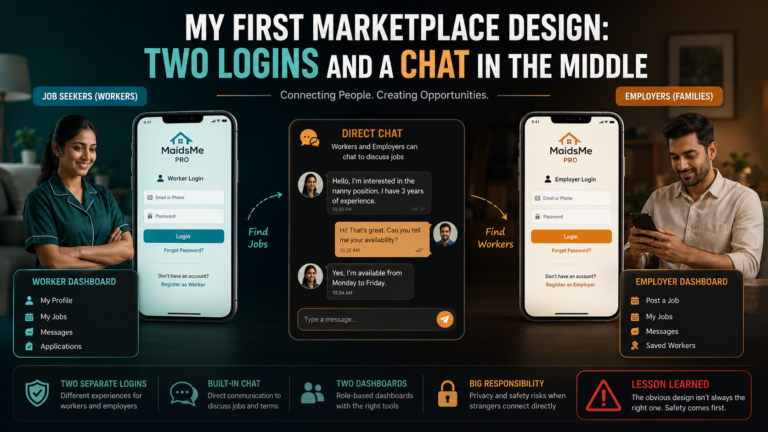
The teardown left MaidsMe with one central flow, and this post builds it end to end. An employer browses profiles without any account, opens one, clicks Hire Now, and lands on a contact form where the worker they chose is already referenced. They add their own details and a message, submit, and the inquiry lands in the admin’s queue. Every piece of that sentence is a small technical decision, and together they are the platform’s engine.
The Hire Now button is just a link carrying the profile’s id, and the form page reads it back:
public function render_hire_form() {
    $profile_id = isset($_GET['profile']) ? absint($_GET['profile']) : 0;
    $worker     = $this->get_approved_profile($profile_id);

    if (!$worker) {
        return '<p>This profile is not available.</p>';
    }
    $reference = sprintf(
        'Inquiry for: %s | %s | %s years experience',
        esc_html($worker->full_name),
        esc_html($worker->profession),
        esc_html($worker->experience_years)
    );
    // form: employer name, email, phone, message + hidden profile_id + nonce
}
Two guards do quiet work there. absint forces the URL parameter into a positive integer, whatever someone types into the address bar. And get_approved_profile only returns profiles with status approved_visible, so a rejected or hidden profile cannot be hired by editing the URL, the same status wall from the public listings, enforced again at the form. The auto-filled reference gives the admin everything needed to identify the worker, and by design excludes the phone, the privacy rule holds precisely where it is most tempting to bend.
Submission is a nonce-checked handler that sanitises every field and inserts one row:
if (!wp_verify_nonce($_POST['mm_nonce'], 'mm_hire')) { wp_die('Security check failed'); }

$wpdb->insert($this->table_inquiries, array(
    'profile_id'     => absint($_POST['profile_id']),
    'employer_name'  => sanitize_text_field($_POST['employer_name']),
    'employer_email' => sanitize_email($_POST['employer_email']),
    'employer_phone' => sanitize_text_field($_POST['employer_phone']),
    'message'        => sanitize_textarea_field($_POST['message']),
    'status'         => 'new',
));
Each sanitiser matches its field’s type, text, email, textarea, because sanitisation is not one hammer, it is a set of specific tools. The inquiry arrives with status new, and the admin’s queue screen lists new inquiries first, showing the employer’s details beside the referenced worker’s profile. The admin makes the connection by phone or email, then marks the inquiry contacted, then closed. That status trio turns a contact form into a workflow, the admin never wonders which inquiries were handled, the queue says so.
A few things people ask me about this
Why pass the profile id in the URL instead of a hidden session? Because the flow must work for anonymous visitors with no session at all. The id is public information, the guards, absint and the approved-only fetch, make it safe.
Which sanitiser should I use for each field? Match the type, sanitize_text_field for single-line text, sanitize_email for emails, sanitize_textarea_field for messages, absint for ids. Using one for everything either over-strips or under-protects.
Next
Every profile that employers browse passed through a human first. The approval workflow, and why I chose that friction on purpose, is the next post.