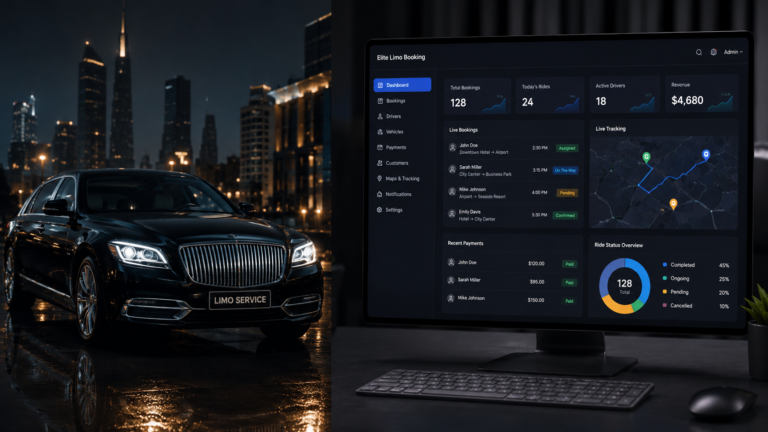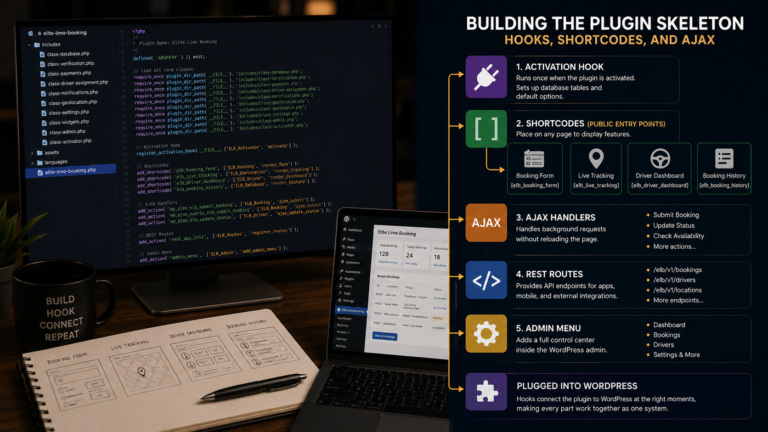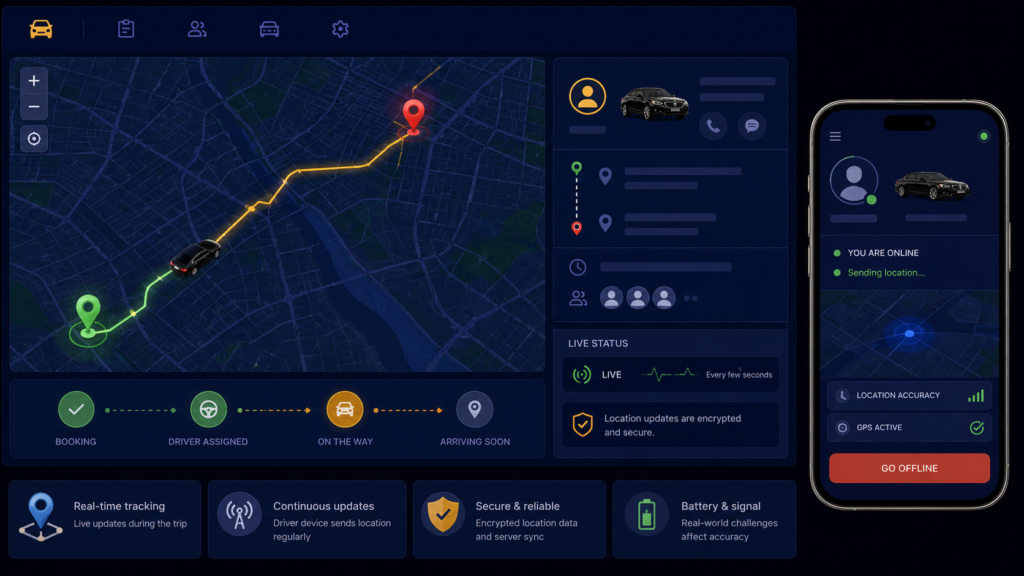
Every ride app has the map, the little car crawling toward the pickup pin, and I wanted it badly for the limo plugin. On paper it is simple, the driver’s phone knows where it is, send that to the server, show it on a map. This post is what building live tracking actually involves, the real mechanics I built, and honest words about the distance between a working demo and the feature in a ride app.
The pipeline has three stages. First, the driver’s browser reports its position, which the web platform provides directly:
navigator.geolocation.watchPosition(function(pos) {
    jQuery.post(ajaxurl, {
        action:       'elite_limo_ajax',
        elite_action: 'update_location',
        booking_id:   currentBookingId,
        lat:          pos.coords.latitude,
        lng:          pos.coords.longitude,
        nonce:        elbNonce
    });
}, function(err) {
    console.log('Location error: ' + err.message);
}, { enableHighAccuracy: true });
watchPosition is geolocation’s continuous mode, firing the callback whenever the device moves, and each fire posts coordinates through the same nonce-checked AJAX door as everything else. Stage two is storage, the handler writes lat and lng onto the booking’s row. Stage three is the customer’s tracking page, created by the tracking shortcode, polling every five seconds for the latest coordinates and moving a Google Maps marker to them. Three stages, each individually simple, and the demo genuinely worked, I watched a marker follow a phone around my neighbourhood.
Now the honesty the demo hides. Browser geolocation only runs while the driver’s page is open and the screen is on, phones aggressively stop background pages, so a driver who switches to their navigation app stops reporting, which real ride apps solve with native apps holding background location permission, something a WordPress plugin cannot grant. Accuracy wobbles, GPS in a city bounces off buildings, so the marker sometimes teleports across a block. Continuous high-accuracy GPS drains a working driver’s battery. And five-second polling per active ride multiplies into real server load at fleet scale. None of these are code bugs, they are the gap between a browser demo and a product, and they are why this feature, working, shipped, real, stays in the column I named in post one, partly aspirational. It tracks rides in the conditions a browser allows, and I say so plainly rather than claiming an Uber.
A few things people ask me about this
Why does tracking stop when the driver switches apps? Browsers halt background pages to save battery, taking geolocation with them. Persistent background tracking requires a native app with background location permission, beyond a website’s reach.
Why does the map marker jump around? GPS accuracy varies, especially among buildings. Smooth it by ignoring readings with poor accuracy values or averaging recent points before moving the marker.
Next
After the humbling flagship, I banked two wins that were fully achievable, a booking history customers actually use, and an app-like feel through a manifest and service worker. That is the next post.