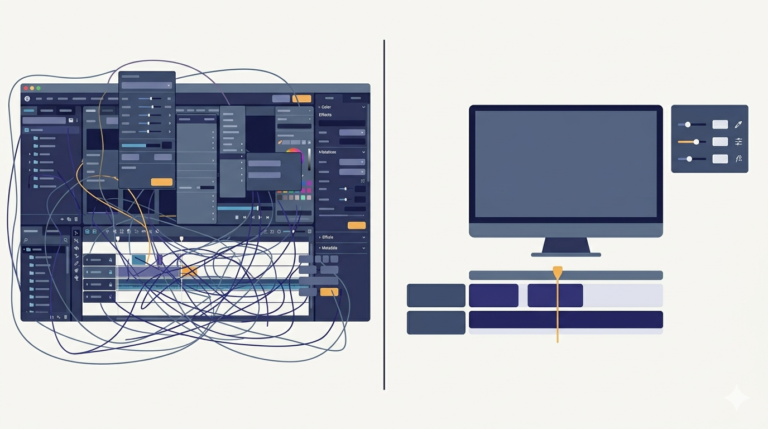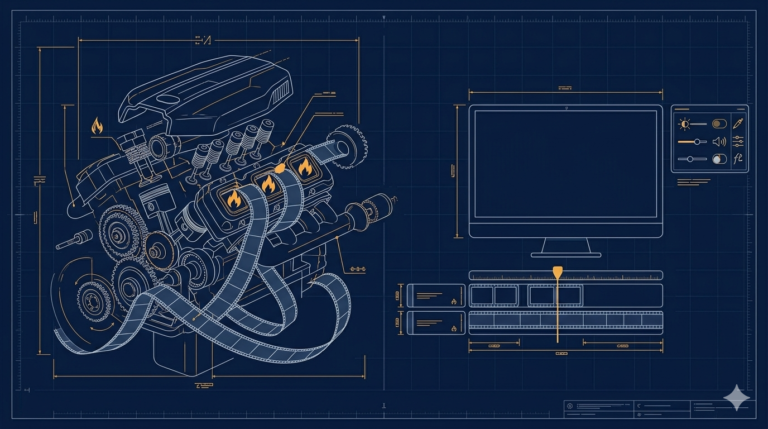
The two tools I had built, one to break a movie into clips and one to join clips together, were really steps toward one specific output. My finished videos had a fixed shape: a branded template frame with the main clip placed inside it at a set position, then a second video joined on after. This post is about the compose step that produces that final shape, and the preview that stopped me wasting renders.
The heart of it is FFmpeg’s overlay filter. You give it two inputs, the template image and the clip, scale the clip to its slot, and place it at an exact position:
cmd = [
    "ffmpeg",
    "-loop", "1", "-i", template_png,     # input 0: the branded frame
    "-i", main_clip,                       # input 1: the clip
    "-filter_complex",
    "[1:v]scale=W:H[clip];"                # size the clip for its slot
    "[0:v][clip]overlay=X:Y:shortest=1",  # place it at the slot position
    "-c:v", "libx264", "-preset", "ultrafast",
    framed_part,
]
Read the filter line as a tiny pipeline. [1:v]scale=W:H[clip] takes the clip and resizes it to the slot’s width and height. Then [0:v][clip]overlay=X:Y draws that resized clip on top of the template at position X, Y. The shortest=1 matters because the template is a looped still image that would otherwise run forever, this tells FFmpeg to stop when the clip ends. After this step, the framed section is concatenated with the second video using the same standardise-then-concat approach from the merger.
Now the part that saved me the most real time. This compose takes a couple of minutes to render. Early on I would set the position numbers, render, wait, and only then discover the clip sat too low in the frame, two minutes wasted per mistake. So I added a canvas preview: before any rendering, the tool drew the template on a Tkinter canvas with a rectangle showing exactly where the clip would land:
def draw_preview(self):
    self.preview.delete("all")
    self.preview.create_image(0, 0, image=self.template_thumb, anchor="nw")
    # the slot, scaled down to preview size
    x, y = self.slot_x * self.scale, self.slot_y * self.scale
    w, h = self.slot_w * self.scale, self.slot_h * self.scale
    self.preview.create_rectangle(x, y, x + w, y + h,
                                  outline="#f59e0b", width=2)
Instant feedback, zero rendering. If the rectangle looked wrong I fixed the numbers and only rendered once, correctly. Two other speed decisions shaped the tool: I used -preset ultrafast and offered a lower output resolution when speed mattered more than polish, and I capped the input length, trimming anything beyond it, so a huge file could never turn a quick compose into a half-hour wait.
A few things people ask me about this
How do I overlay a video onto an image in FFmpeg? Loop the image as input 0, the video as input 1, then -filter_complex "[1:v]scale=W:H[v];[0:v][v]overlay=X:Y:shortest=1". Without shortest=1 the looped image runs forever.
Why is my overlay render endless? Almost always the looped still image with no shortest=1 and no duration limit, FFmpeg happily encodes an infinite video.
How much does the preset change speed? A lot. ultrafast versus the default can be several times faster, at a larger file size and slightly lower quality per bit, the right trade for quick-turnaround content.
Next
The plan said one easy-sounding sentence: the tool joins the clips, then adds captions automatically. That single word, automatically, was hiding three separate hard problems. That is the next post.