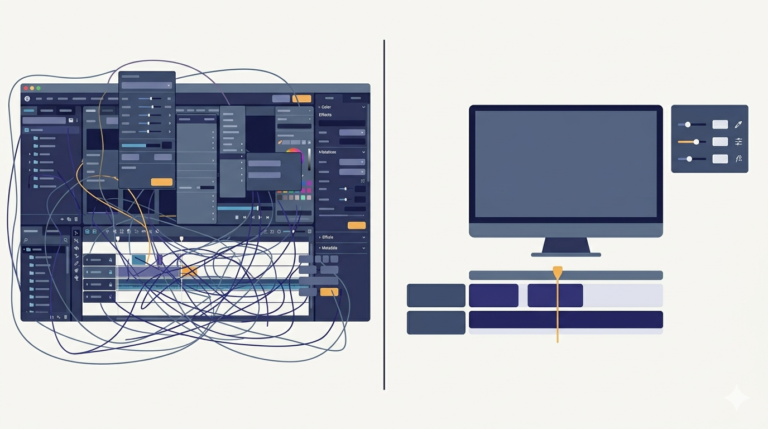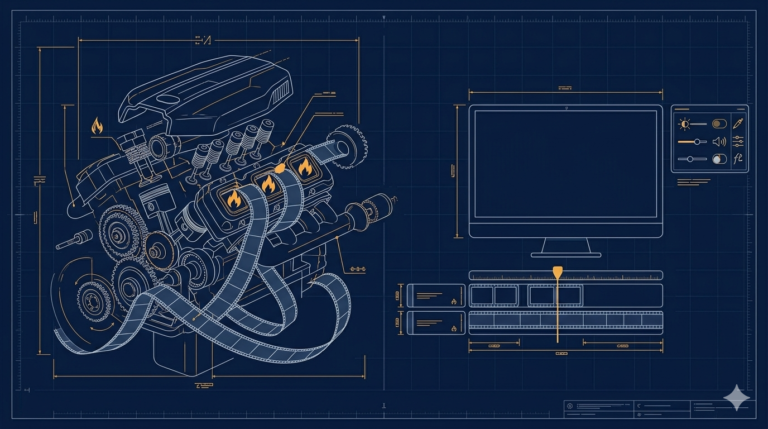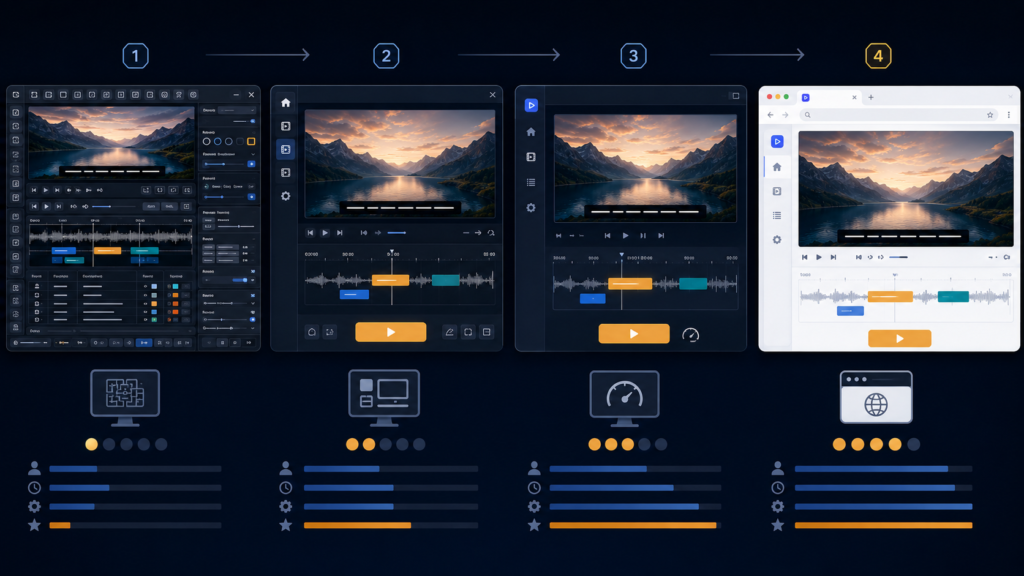
This series started with one annoyed person cutting movie clips by hand, and it ends with a small workshop of tools: a scene detector, an interval extractor, a screenshot mode, a merger, a compose step with a live preview, captions, and a proven road into the browser. This last post is the honest look back, at what the project became and what it actually taught me, technically and otherwise.
What the toolkit became
Under everything is one engine, FFmpeg, driven by a Python and Tkinter application. Scene detection is FFmpeg’s own select='gt(scene,threshold)' filter with the timestamps parsed out of its output. Every mode, scene clips, interval clips, screenshots, is the same idea, a list of timestamps feeding a cheap action at each one. Joining works because clips are standardised first, one resolution, one frame rate, one codec, then concatenated. The final videos come from the overlay filter placing a clip inside a branded frame, with a canvas preview so slow renders are never wasted on a wrong guess. Captions taught me to keep text in subtitle files instead of fighting command-line escaping.
The technical lessons that stuck
Looking back, the lessons that changed how I build were rarely the glamorous ones. The most reliable code is the code you deleted, my best day on this project was cutting a dependency, not adding one. Structure fails silently, the worst bug of the project was an indentation level, valid Python doing the wrong thing with no error to point anywhere. Edge cases are the feature, the clip-position option was three lines until short scenes made it honest. Read the right stream, FFmpeg speaks on stderr, and half of parsing frustration is listening to the wrong pipe. Standardise before you combine, mismatched inputs are behind almost every broken merge. Preview before you render, a rectangle on a canvas repaid itself within an hour. Profile before you optimise, my slow parts were not where I felt they were, and the heaviest work was already inside compiled FFmpeg where a faster language could not help. And skills tied to a real engine compound, the same FFmpeg arguments served the desktop and the browser unchanged.
What it taught me beyond code
The tool changed less than I did. I started as someone who thought more features meant a better program, and finished as someone who counts the cost of every option. I learned to be suspicious of the word automatically, to split it into who provides the data, who decides the timing, and what part is truly mechanical. I learned that honest limits, a length cap, a resolution choice, are features, because a fast tool with known limits gets used and an unlimited slow one does not. And I learned that finishing is a skill of its own, this project only became a story worth telling because I kept returning to it after each wall.
A few things people ask me about this
Would you build it the same way again? The engine choices, yes, Python glue over FFmpeg is a proven pair. I would start far smaller, one mode, a handful of options, and let real use pull the rest in.
What was the single most valuable fix? The canvas preview before the compose render. Smallest code, biggest saved time, and it changed how I think about every slow operation since.
Is the tool finished? Working, yes. Finished, no, tools like this are never finished, they are stable until the next real need shows up. The browser road is the obvious next chapter when reach matters.
Where this leads
Everything after this project stands on it. The confidence to build a full point of sale system for a real shop, the patience to debug a WordPress plugin that would not activate, the habit of deleting before adding, all of it traces back to this cluttered first window. The next series is exactly that step, taking what one messy, honest project taught me and building software for a real business, with real money on the counter.