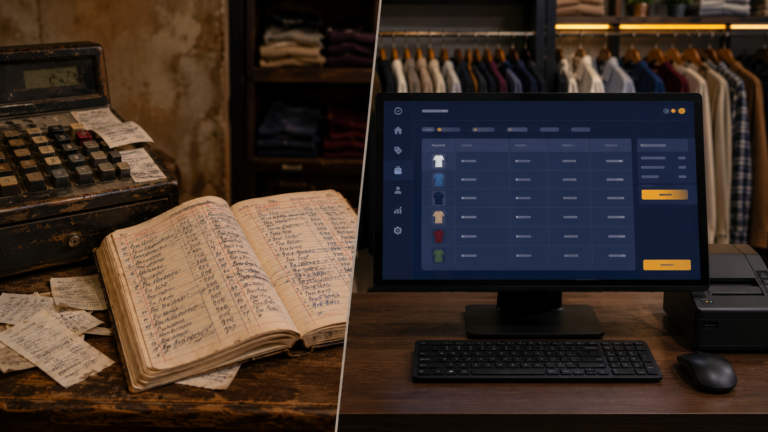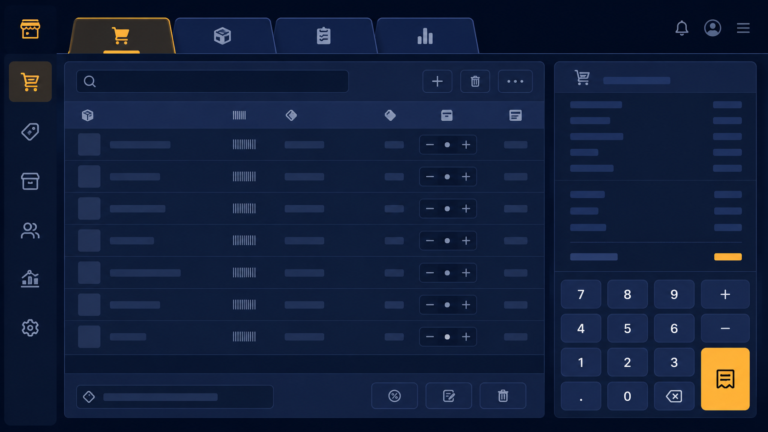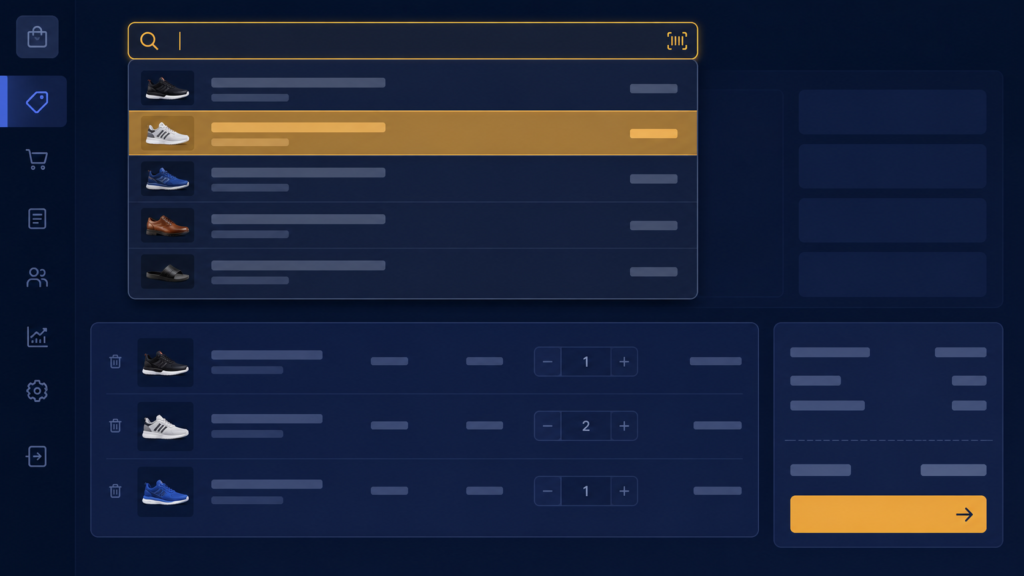
A shop counter is a place where seconds matter. A customer is standing there, money in hand, maybe a line forming behind them. If the software makes the owner hunt slowly for each item, it is not helping, it is getting in the way. When I looked at how billing worked in my early version, I saw exactly that problem, and this post is about fixing it.
The early version offered a dropdown of all products. With twenty products, fine. With hundreds, scrolling a dropdown at the counter is misery. The shopkeeper knows the article number or part of the name, so the software should take whatever fragment they type and find the product instantly. That is one SQL query with LIKE:
def search_products(self, event=None):
    term = self.search_var.get().strip()
    like = f"%{term}%"
    self.cursor.execute(
        '''SELECT id, name, article_number, selling_price, stock_quantity
           FROM products
           WHERE name LIKE ? OR article_number LIKE ?
           ORDER BY name''',
        (like, like),
    )
    rows = self.cursor.fetchall()
    self.update_results(rows)
Three details in that little function carry all the weight. The percent signs around the term make LIKE match anywhere in the value, so typing 102 finds A-102 and 1020 both. Searching two columns with OR means the shopkeeper can type either the name or the article number, whichever is in their head, and both work. And the question marks are non-negotiable: they are parameterised queries, where SQLite inserts the value safely. Building the query by gluing the search text into the string invites breakage and injection the moment someone types an apostrophe, and shop names have apostrophes.
To make it live, the search box fires on every keystroke, Tkinter binds key release to the search:
self.search_var = tk.StringVar()
search_entry = ttk.Entry(frame, textvariable=self.search_var, font=('Arial', 12))
search_entry.bind('<KeyRelease>', self.search_products)
Type a character, results update. A found product is one click from the invoice, where the sale also checks stock, selling six of something with four in stock should warn, not silently oblige. And I kept the browsable full list too, because sometimes the shopkeeper does not remember the number and just wants to look. Search for speed, list for browsing, both feeding the same invoice.
A few things people ask me about this
How do I search as the user types in Tkinter? Bind the entry’s <KeyRelease> event to your search function. Every keystroke re-runs the query and refreshes the visible results.
Why use ? placeholders in SQLite queries? Safety and correctness. Parameterised queries handle quotes and special characters in the input and prevent SQL injection. Never build SQL by concatenating user text.
LIKE is matching too much or too little, why? Placement of percent signs. %term% matches anywhere, term% only matches the start. Choose deliberately, counters usually want anywhere.
Next
Fast billing was filling the database with sales. The next job was turning that raw data into the thing the whole project promised, a report showing stock, sales, and the real profit. That is the next post.