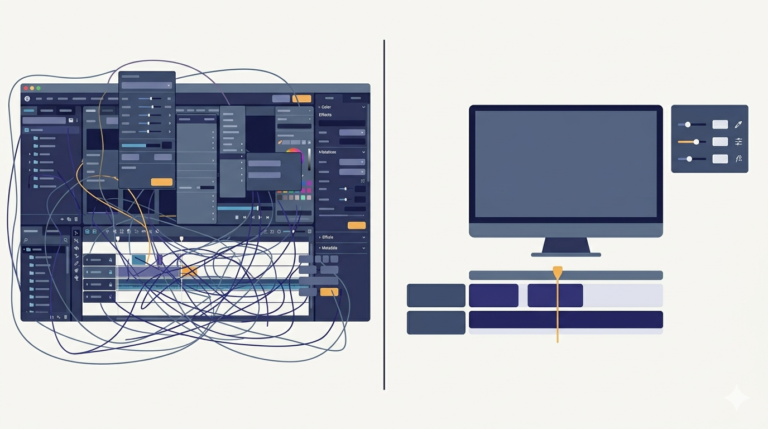
Every time a tool grows, the same thing happens. The screen fills up. I had added new modes and new output types, and on my own monitor everything fit. Then I ran the tool on a smaller screen and the bottom controls, including the start button, were simply cut off below the edge, unreachable. A tool whose start button you cannot click is not a tool.
My first instinct was to shrink things, smaller fonts, tighter padding. That made the window ugly and still did not guarantee a fit on every screen. The right answer in Tkinter is to make the content scrollable, and the standard trick is a canvas with a frame inside it. This is the actual pattern from my code:
# a container holds a canvas plus a scrollbar
container = ttk.Frame(self.root)
container.pack(fill=tk.BOTH, expand=True)

canvas = tk.Canvas(container, bg="#f0f0f0")
scrollbar = ttk.Scrollbar(container, orient="vertical", command=canvas.yview)
scrollable_frame = ttk.Frame(canvas)

# whenever the inner frame changes size, update what the canvas can scroll over
scrollable_frame.bind(
    "<Configure>",
    lambda e: canvas.configure(scrollregion=canvas.bbox("all"))
)

# put the frame INSIDE the canvas, and wire the scrollbar
canvas.create_window((0, 0), window=scrollable_frame, anchor="nw")
canvas.configure(yscrollcommand=scrollbar.set)

canvas.pack(side="left", fill="both", expand=True)
scrollbar.pack(side="right", fill="y")
Why this dance? Because in Tkinter, ordinary frames cannot scroll. Only a canvas can. So the trick is: create a canvas, place a normal frame inside it with create_window, and build all your actual controls inside that inner frame. The canvas provides the scrolling, the frame holds the interface.
The line people miss is the <Configure> binding. Every time the inner frame changes size, because you added a control or the window resized, that binding recalculates scrollregion, the total area the canvas is allowed to scroll across, using canvas.bbox("all"), the bounding box of everything inside. Forget this binding and the scrollbar appears but drags nothing, because the canvas still thinks its content is the size it was at startup. That exact symptom, a scrollbar that does not scroll, is nearly always a missing or wrong scrollregion.
After the change, every control I had lived inside scrollable_frame instead of the window directly. On a big monitor nothing looks different. On a small one, a scrollbar appears and every control, including the start button, is reachable. I also switched the window back to resizable, because with scrolling in place, any size works:
self.root.geometry("750x750")
self.root.resizable(True, True)
A few things people ask me about this
Why does my Tkinter scrollbar show but not scroll? Your canvas scrollregion is stale. Bind the inner frame’s <Configure> event to set scrollregion=canvas.bbox("all") so it updates whenever content changes.
Why put a frame inside a canvas at all? Because only canvases scroll in Tkinter. The inner frame is where your widgets live, the canvas is just the scrolling viewport around it. Use create_window, not pack, to place the frame in the canvas.
Should widgets go in the canvas or the frame? The frame. If you pack widgets straight into the canvas they will not move with the scroll. Everything goes in scrollable_frame.
Next
With the interface under control, I turned to the other half of the job. I could pull clips out of a movie, but I still needed to join clips into one finished video, and it turns out you cannot just glue video files together. That is the next post.